
1Select your name
Your listing loads automatically. Answers save separately for each provider.
2Your profile & biography
Your bio below is pulled from your current osinb.com page. The headline and menu line start blank for you to write.
Open my current page on osinb.com ↗Your current headshot on osinb.com (2021).
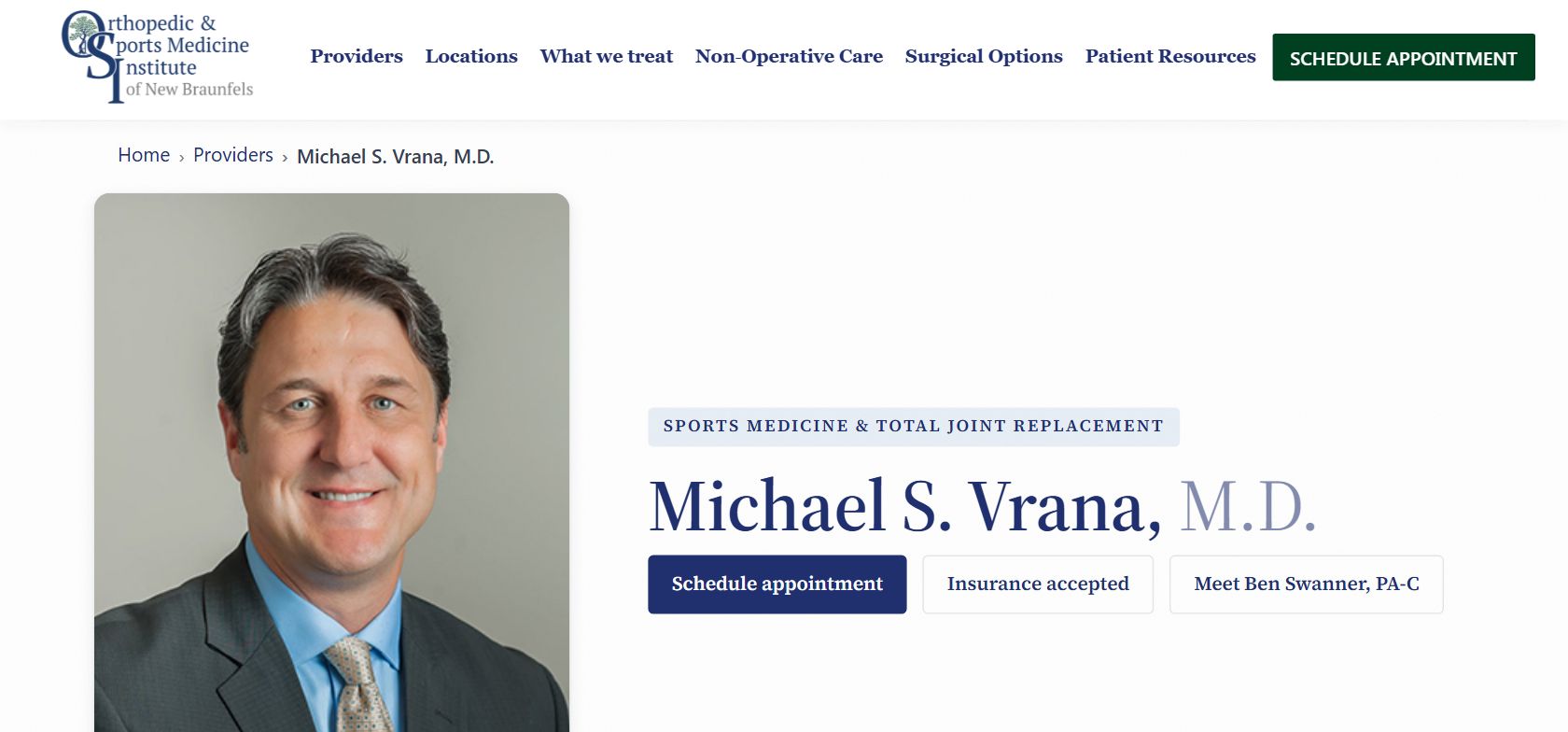
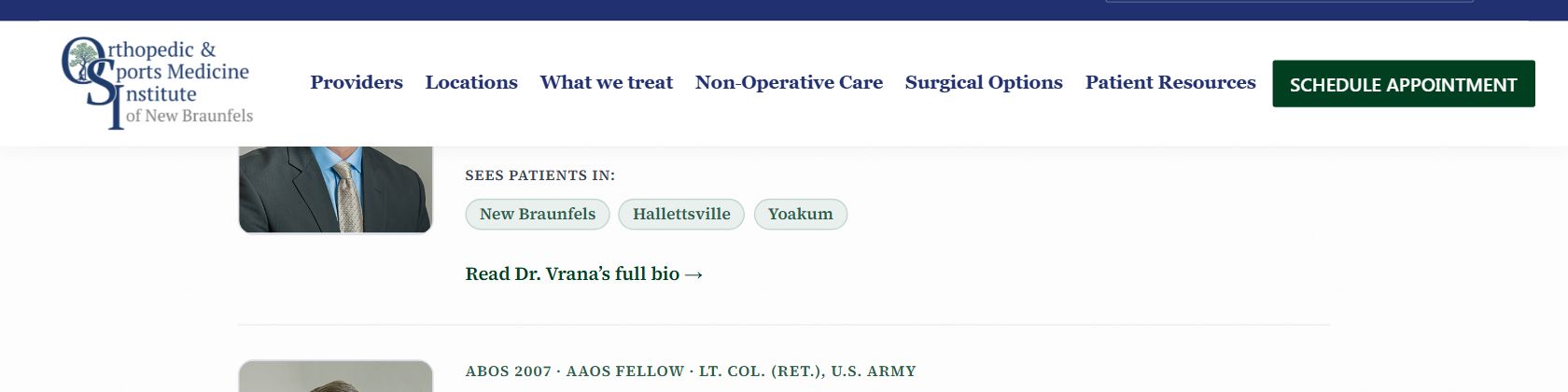
Short line in the Providers dropdown, after “Board-Certified Orthopedic Surgeon.” Separate items with |.
Preview (updates as you type):
Your full bio, as it currently appears on osinb.com. Make any changes, or rewrite the whole thing entirely, below.
3Conditions you treat
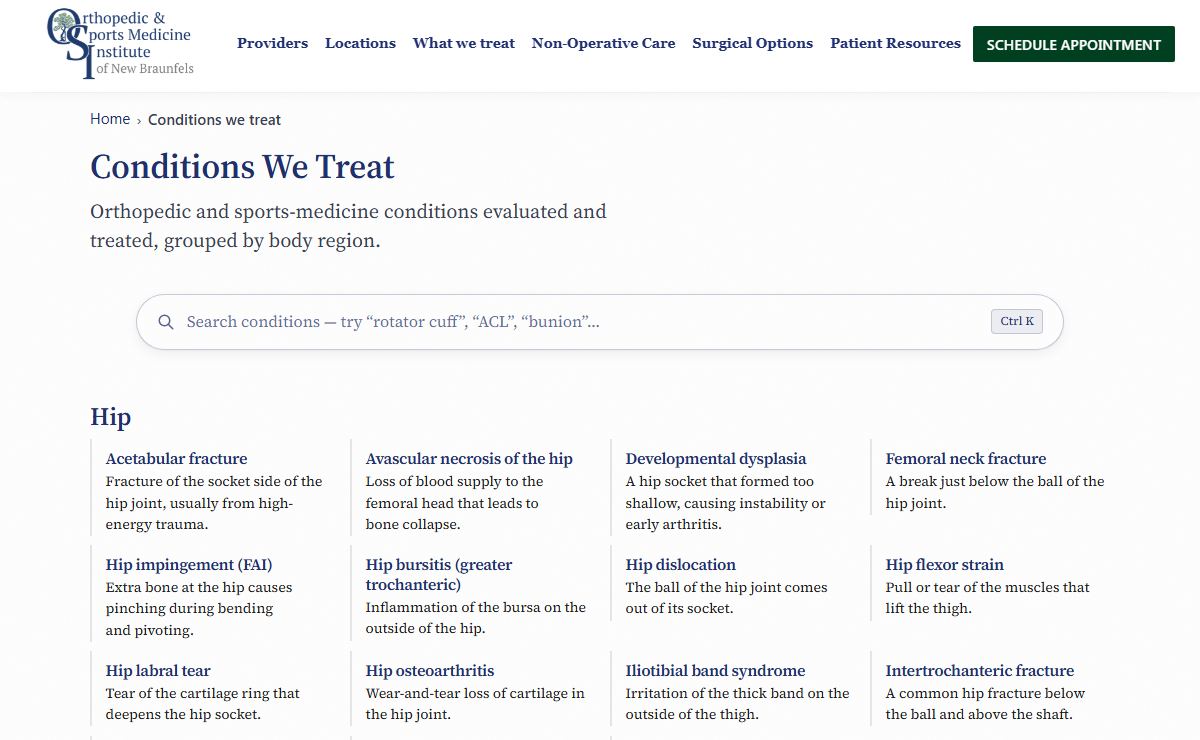
Mark each condition Treat or Refer. Treat lists you on that condition’s patient page, so mark only what you want to be found for. Refer means you send it out; blank means no answer yet. Tap a selected answer again to clear it. Treat all and Refer rest fill only the unanswered rows.
See what your answers build on osinb.com
4Procedures you perform
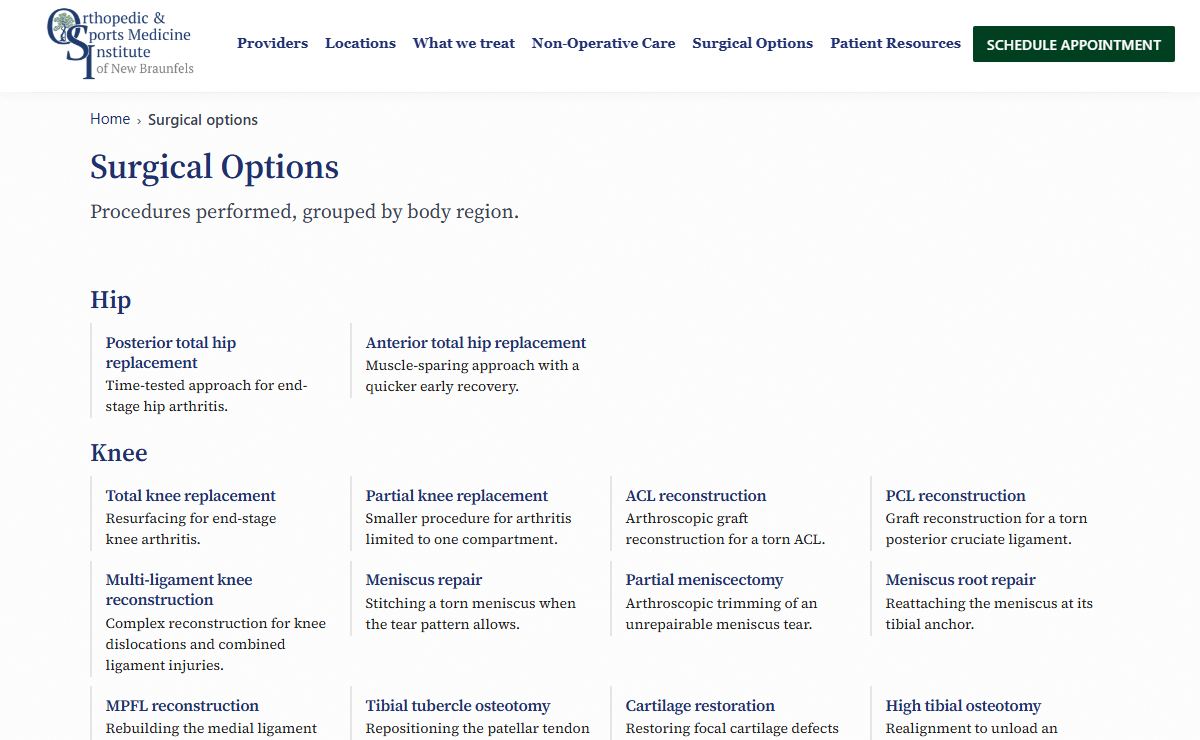
Mark each procedure Operate or Refer. Operate lists you under that procedure in Surgical Options; Refer means you send it out; blank means no answer yet. Tap a selected answer again to clear it. Operate all and Refer rest fill only the unanswered rows; add anything missing below.
5Non-surgical treatments you offer
Check each treatment you offer in clinic. Nothing is pre-checked; add anything missing below.
6Physician assistant
Your PA and how the site presents them. Edit the public description, or hide the role from your profile entirely.
Appears under your PA's name on the site.
Check what applies.
7Additional information
Anything else for your profile: focus areas, languages, corrections to the above, photos. Write or dictate in your own words.
8Review and send
Review the summary below, then send using any option.
When done, tap Submit answers to send them to Sam. Autosave only keeps them on this device, so don't just close the tab.